Large VoIP providers sell phone service online without ever seeing your office. If your Wi-Fi, switches, or cabling can't carry clear voice traffic, you find out after the phones are on the desks, and the support line tells you it's your network's problem. A VoIP network assessment done in person prevents that.
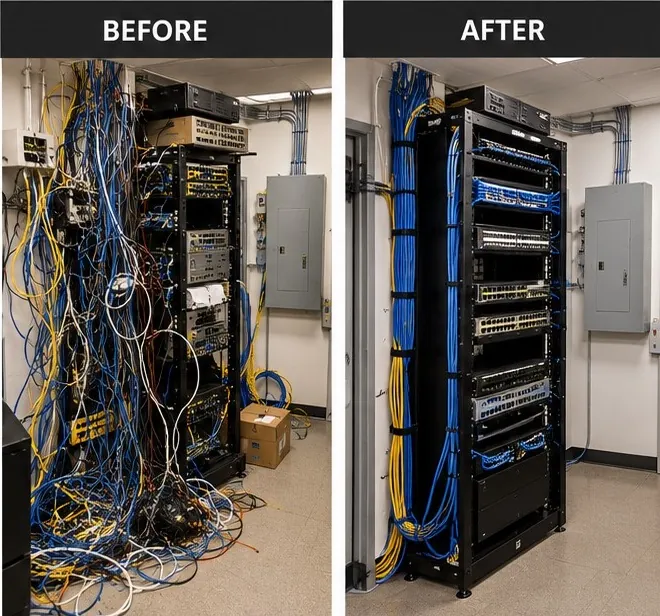
Every phone system we install starts with a site walkthrough. We look at the equipment in your network closet, test the connection at the places people actually make calls, and give you a plain list of what's fine, what needs attention, and what it will cost.
What we test
Internet connection
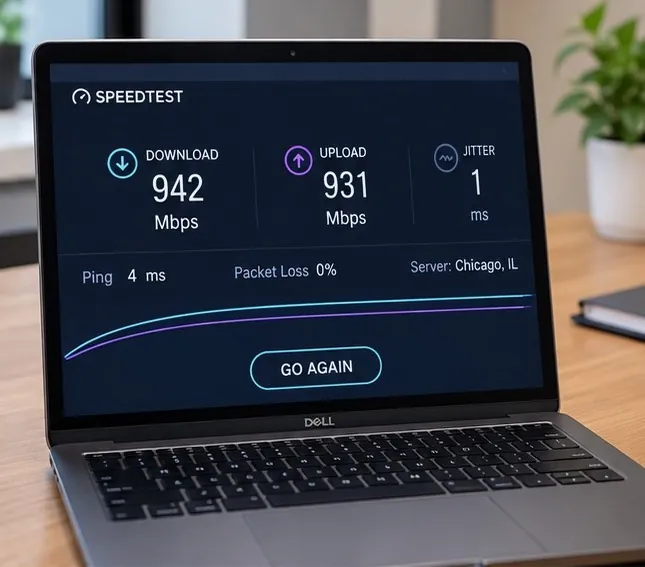
Speed matters less than consistency. We measure latency, jitter, and packet loss over time, upload as well as download, because voice suffers when a connection is busy or unstable. We also check how many calls the connection can carry at once alongside your normal traffic.
Router and firewall settings
Some routers ship with a feature called SIP ALG that rewrites voice traffic and causes one-way audio and dropped calls. We check for it, along with quality-of-service settings that put voice ahead of downloads and video streams.
Switches and power
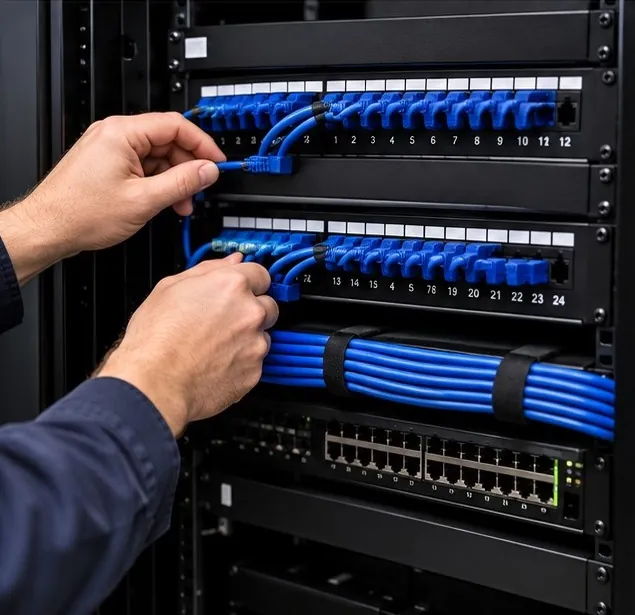
Desk phones usually draw power over the network cable. We confirm your switches support power-over-Ethernet and have enough power budget for every phone, and we check whether a separate voice network (a VLAN) makes sense.
Cabling
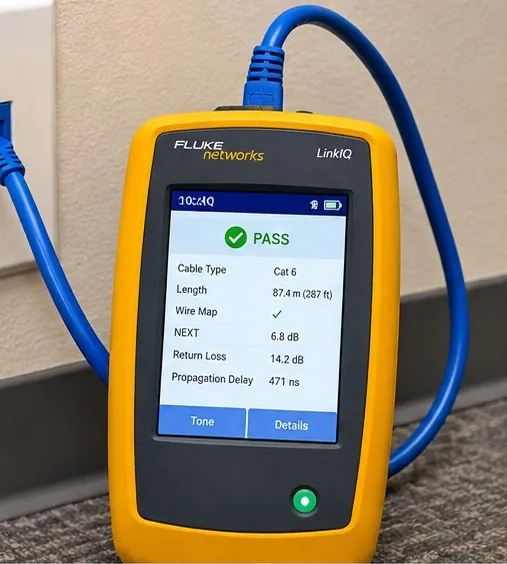
We test the runs to each phone location. Damaged or very old cable, loose jacks, and daisy-chained switches are common sources of intermittent problems.
Wi-Fi coverage
If anyone will use a cordless phone, laptop softphone, or the mobile app inside the building, we check coverage in the warehouse, the back office, the exam rooms, and anywhere else calls need to work.
Lines that aren't phones
We find the fax lines, alarm panels, door buzzers, elevator phones, and paging systems so nothing gets disconnected by surprise when the old lines are cancelled.
What you get afterward
A short written summary in plain language: what we tested, what we found, and what we recommend. Where something needs fixing, we can usually do it ourselves, from replacing a switch to adjusting router settings to recommending a better business internet option. Then we move on to installing the phone system.
Common questions
Is the network assessment free?
The walkthrough for a new phone system is free. If you'd like a deeper assessment without a phone project, call us and we'll quote it.
How long does the walkthrough take?
For most small offices, about an hour on site. Larger buildings and warehouses take longer, especially where Wi-Fi coverage needs testing.
Our current VoIP calls keep dropping. Can you help even if we're not switching?
Yes. We can test your network and tell you whether the problem is your connection, your equipment, or your provider.
Will we need new network equipment?
Often not. Many offices only need a router setting changed or one switch replaced. If you do need equipment, we'll explain why before you buy anything.